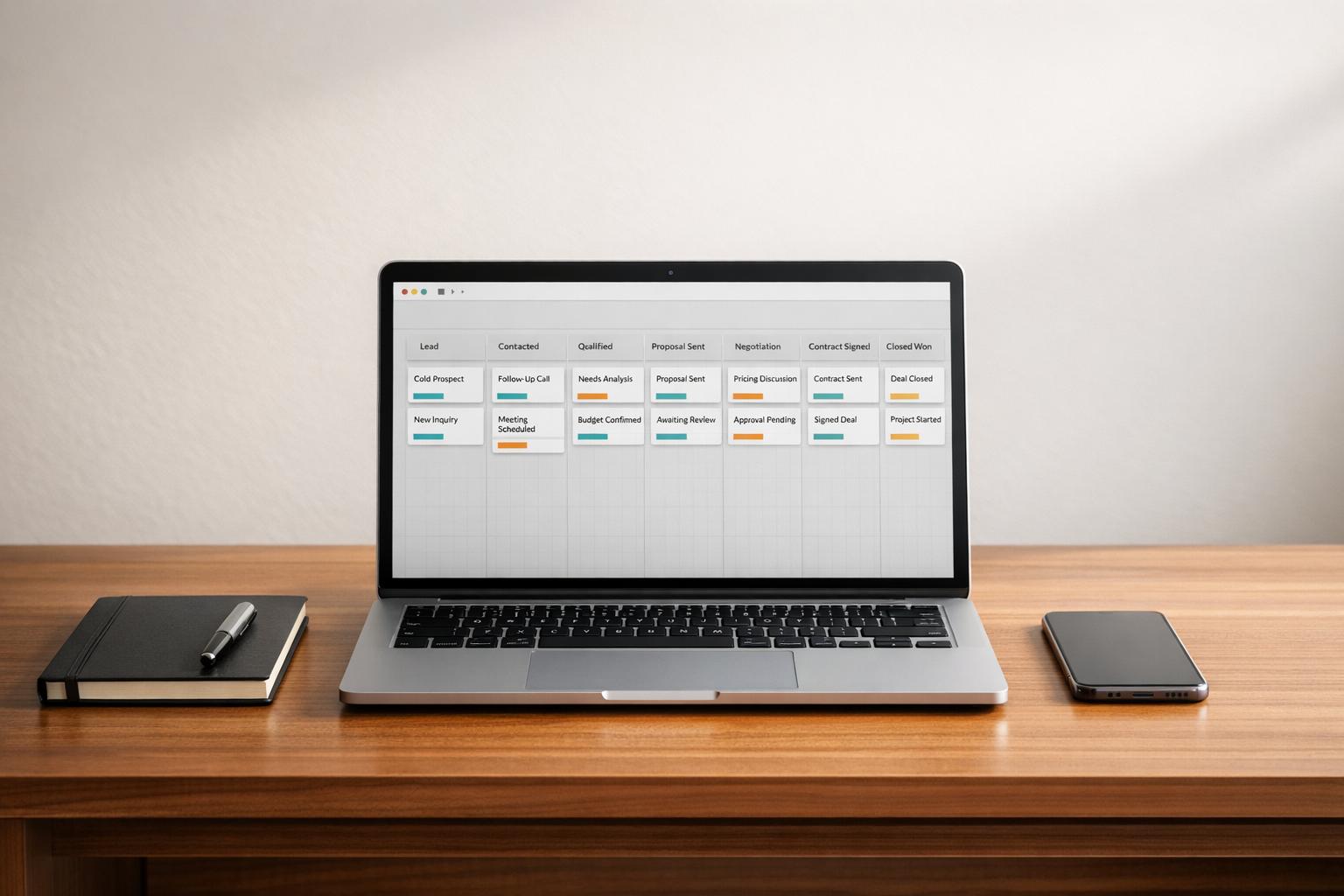
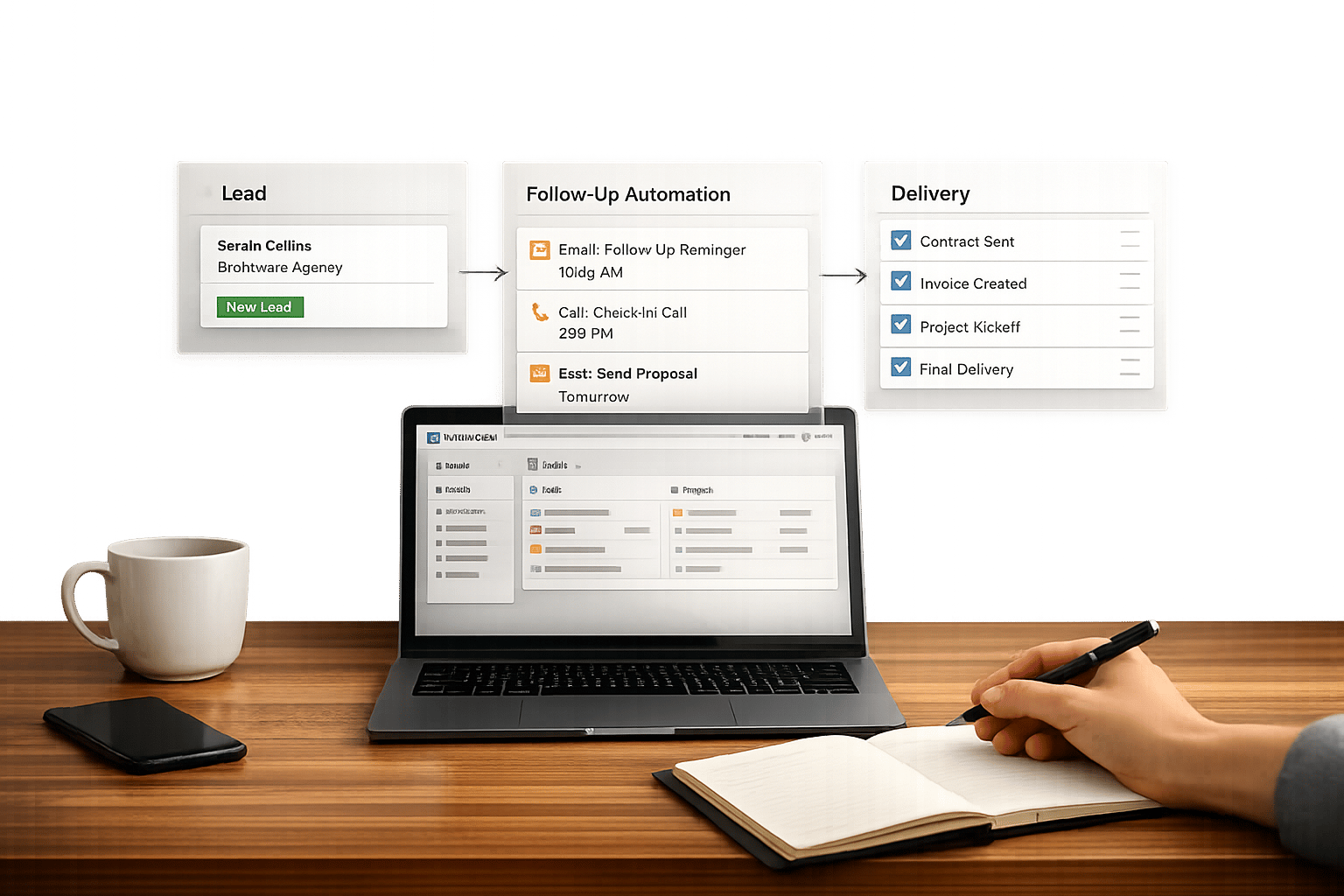
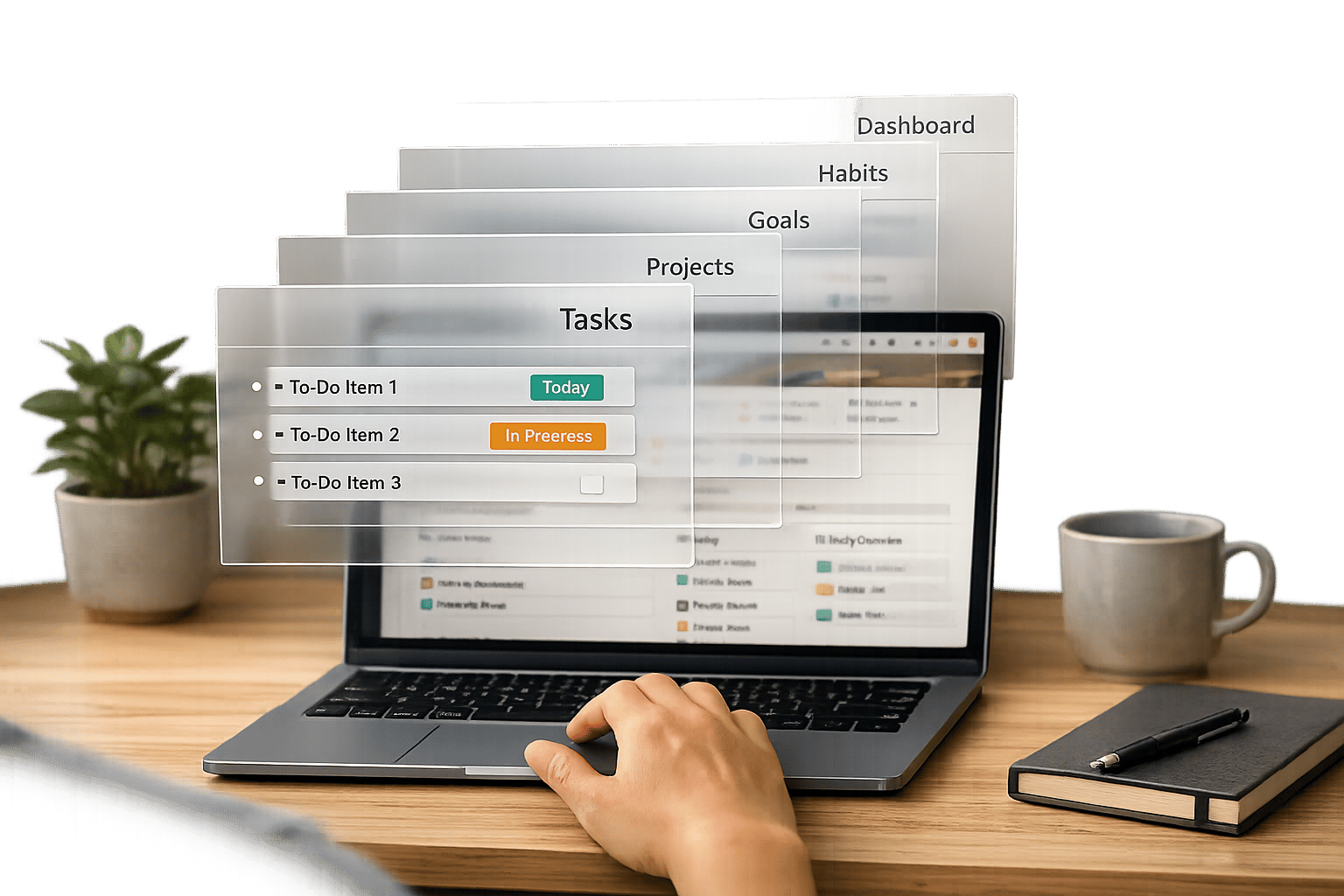
You don’t need to juggle five different tools to manage your agency’s campaigns, clients, and tasks. A single Notion operating system (OS) dashboard can centralize everything into one workspace. From tracking campaign progress to managing client communications, Notion OS dashboards offer a structured way to streamline your workflows and reduce chaos.
This article breaks down how agencies use Notion dashboards to link clients, campaigns, and tasks into one connected system. You’ll also discover how OS Dashboard HQ offers tailored templates, like Agency OS and Marketing Content OS, to help agencies manage campaigns, plan content, and track results - all without starting from scratch.
Here’s what you’ll learn:
- How Notion OS dashboards connect tasks, campaigns, and clients.
- The five core databases every agency needs: Campaigns, Clients, Tasks, Assets, and Results.
- Examples of dashboards for campaign calendars, client overviews, and team workloads.
- Why ready-made templates from OS Dashboard HQ save time and simplify operations.
Let’s explore how these systems work and which dashboards might be the best fit for your agency.
The Ultimate Notion Setup for Agencies (2025)
sbb-itb-ced67d6
Core Databases for Campaign Tracking in Notion
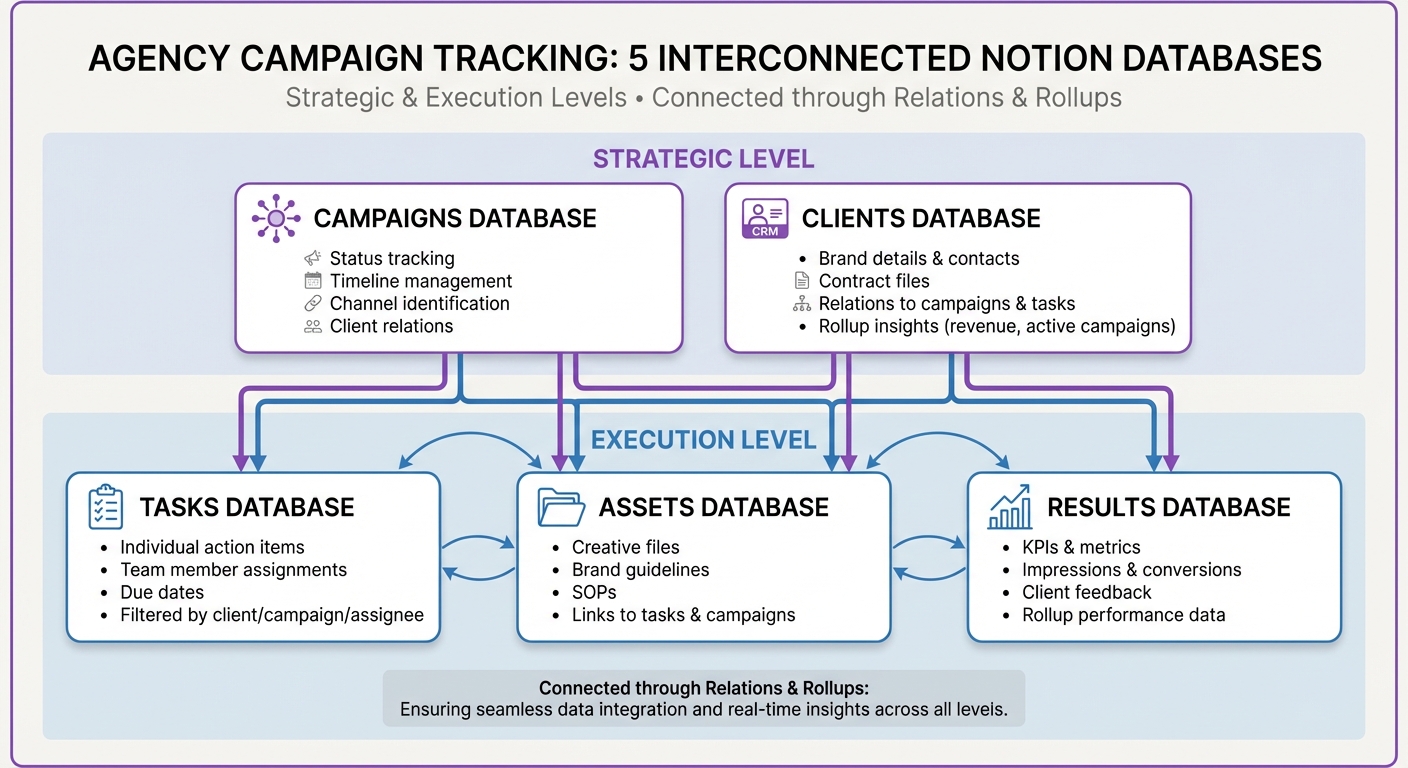
5 Core Notion Databases for Agency Campaign Tracking
A Notion agency OS revolves around five interconnected databases - Campaigns, Clients, Tasks, Assets, and Results - designed to manage campaigns from start to finish. The Campaigns and Clients databases provide a high-level view, while the Tasks, Assets, and Results databases focus on execution and tracking outcomes. This structure eliminates the chaos of sifting through emails or juggling multiple tools to find critical information.
Campaigns Database
The Campaigns database acts as the strategic hub, where each entry represents a specific campaign type - whether it’s a product launch, a seasonal promotion, or an ongoing retainer. Key properties include:
- Status: Tracks progress with stages like "In Progress", "Ready for Review", and "Delivered."
- Timeline: Defines start and end dates for calendar views.
- Channel: Identifies platforms like email, social media, or paid ads.
- Client Relation: Links each campaign to the relevant client.
This setup allows account managers to easily view all active campaigns for a client, track upcoming deadlines, and manage workloads across the agency.
Clients Database
The Clients database functions as your agency's CRM and serves as a central repository for client-related data. Each entry doubles as a dashboard or "wiki", containing:
- Brand details and contact information
- Contract files and agreements
- Relations to campaigns and tasks
By linking this database to Campaigns, you can use Rollups to display aggregated insights, like the total number of active campaigns or revenue generated, directly on a client’s profile. This makes onboarding new team members seamless, giving them instant access to everything they need without digging through Slack or shared drives. From here, the Tasks, Assets, and Results databases handle the finer details of campaign execution.
Tasks, Assets, and Results Databases
These supporting databases break down high-level strategies into actionable steps and measurable outcomes:
- Tasks Database: Turns campaigns into individual action items, each assigned to a team member with a due date. This creates a unified task list that can be filtered by client, campaign, or assignee. Dashboards like "This Week's Deliverables for Sarah" or "Tasks Due Before Friday" keep everyone on track.
- Assets Database: Stores creative files, brand guidelines, and standard operating procedures (SOPs). Assets link directly to tasks as deliverables or to campaigns as reference material, ensuring everything stays organized.
- Results Database: Tracks KPIs and metrics - like impressions, conversions, or client feedback - linked to specific campaigns. While Notion isn’t a full-scale BI tool, connecting Results to Campaigns allows Rollups to summarize performance data on client dashboards, keeping insights accessible without leaving the workspace.
This interconnected system ensures that every piece of information - from big-picture strategy to individual deliverables - is easy to find and manage, all within Notion.
How to Connect Clients, Campaigns, and Tasks in Notion
Bringing clients, campaigns, and tasks together in Notion transforms scattered data into a well-organized agency system. The magic lies in relations and rollups - two features that link and summarize data across databases. Relations connect tables, while rollups pull and aggregate data from those connections. As MetaLab's Design Lead Lee Giles puts it, this creates "a great opportunity for us to make workflow collaboration two-way between us and the client".
Linking Databases with Relations
Relations are the backbone of a connected system in Notion. They link your Clients, Campaigns, and Tasks databases, ensuring data flows effortlessly between them. For instance, you can add a Relation property in your Campaigns database to link each campaign to its corresponding client. Similarly, linking Tasks to Campaigns ensures every task is automatically associated with the right campaign and client.
This setup eliminates the chaos of managing separate task lists for different projects or clients. Instead, a single Tasks database, linked to all clients and campaigns, keeps everything centralized. Team members can focus on their assigned tasks, while account managers get a bird’s-eye view of the agency’s progress - all from one workspace. Once these connections are in place, rollups take it a step further by summarizing key data.
Summarizing Data with Rollups
Rollups simplify your workflow by summarizing information across related databases. After linking Tasks to Campaigns, you can use a Rollup property to count completed tasks or calculate overall campaign progress with the "Percent per group" function. Other useful rollup functions include Sum (to total client invoice amounts), Count (to track the number of tasks per campaign), and Percent Complete for progress monitoring.
James Rodriguez from JR Web Development highlights the value of rollups, saying:
I finally know which projects are actually profitable. The financial dashboard has completely changed how I price my services.
Tailoring Data with Filtered Views
Filtered views make your data even more actionable by showing only what’s relevant. They allow you to create custom dashboards that match specific needs. For example, you can filter the Tasks database to display only tasks assigned to a particular team member with a status of "In Progress", creating a personalized workload view. Similarly, filtering the Campaigns database by client and status gives a focused view of active campaigns for that client.
To save time, database templates can automate these setups. For instance, you can create a template in the Clients database that includes linked views of Tasks and Campaigns, pre-filtered to show only entries related to that client. Whenever you add a new client, the filtered views are ready to go - no extra work needed. This feature powers the "Client Portal", which Priya Sharma from Sharma Digital praises:
The client portal alone is worth 10x the price. Our clients feel like they're working with a much bigger agency.
Dashboards Agencies Use Every Day
Dashboards are where the magic happens in an agency's Notion system. Once you've linked your databases, dashboards turn all that raw data into something you can actually use day-to-day. These aren't just fancy layouts - they're tools that help account managers handle multiple clients, keep creative teams on the same page, and ensure deadlines are met. By transforming linked data into clear and actionable views, dashboards let you spend less time searching for information and more time focusing on delivering results.
Client Overview Dashboards
A client overview dashboard serves as a one-stop hub for everything related to a client. It pulls together active campaigns, important metrics, and upcoming priorities into a single, easy-to-navigate view. Instead of hopping between tools, account managers can find all project details, contracts, and communication protocols in one place. This approach reduces the constant back-and-forth between platforms and keeps both strategic and operational details at your fingertips.
Many agencies take it a step further by using these dashboards to create client portals. These shareable views give clients real-time access to campaign updates, task progress, and performance metrics - without granting them full editing rights. By inviting clients as guests through Notion's "Share" feature, you can allow them to view and comment, keeping feedback loops efficient and cutting down on endless status emails. Alongside client-specific insights, these dashboards also help you stay on top of timelines.
Campaign Calendar Dashboards
Campaign calendars give you a bird's-eye view of all deliverables and deadlines across clients and channels. Using a Timeline view (like a Gantt chart) to track dependencies and launch schedules, alongside a Calendar view for publication dates, makes it easier to manage overlapping campaigns. You can tag campaigns by channel - whether it’s social media, email, or paid ads - and by their progress (e.g., in progress, ready for review, or completed) to prioritize tasks effectively.
These dashboards are also invaluable for capacity planning. If you notice too many deliverables piling up in a single week, you can redistribute tasks before your team gets overwhelmed. This level of visibility helps maintain balance across your team and ensures campaigns roll out smoothly.
Team Workload Dashboards
Team workload dashboards are all about keeping assignments manageable and avoiding bottlenecks. By filtering your Tasks database by team member and status, you can create personalized views tailored to each person's responsibilities. For example, individual contributors might see a "This Week's Deliverables" list, while account managers use a Kanban board to track overall team progress.
"We onboarded 3 new team members last month. Instead of weeks of training, they were productive in 2 days using the SOPs and systems."
Marcus Webb from Webb Creative underscores how these dashboards streamline onboarding. When everyone has a clear view of their tasks, deadlines, and dependencies, coordination improves, and miscommunication drops. These dashboards help your team stay aligned and prepared for the week ahead, setting the stage for smoother campaigns and better results.
Example: A Week of Campaign Work Inside a Notion Agency OS
Here’s a look at how a campaign week operates within a Notion Agency OS, showcasing workflows inspired by agencies like Heady and MetaLab. These systems help teams stay aligned, manage client work efficiently, and keep progress transparent.
Monday: Plan and Review
The week kicks off with the Weekly Planning Dashboard, where the agency owner reviews top priorities and sets goals for the team. Account managers turn to the Internal Team Board to check task assignments across clients, quickly identifying any team members who may be overloaded or underutilized.
Department leads dive into their functional dashboards to oversee specific tasks and allocate new work based on capacity. Meanwhile, the Marketing Command Center provides a live overview of active campaigns, upcoming schedules, and early performance trends. By the end of Monday, everyone knows their tasks, which campaigns are set to go live, and where challenges might arise. With roles clarified and dashboards updated, the team is ready to tackle the week.
Mid-Week: Update Assets and Metrics
By Wednesday, creative teams are advancing project cards through Kanban stages like "In Progress", "Ready for Review", and "Delivered." Designers embed live Figma boards directly into Notion, allowing account managers and clients to view the latest versions without delays. Feedback is streamlined through block-level comments, keeping discussions tied directly to the work.
In 2024, Heady introduced a ticket system where clients submit mid-week requests via embedded forms on personalized dashboards. These requests are automatically added to the Internal Team Board, helping the agency efficiently assign tasks across SEO and email teams. As work progresses, updated metrics feed directly into higher-level performance dashboards. Similarly, MetaLab brought clients into Notion pages for real-time collaboration. Design Lead Lee Giles from MetaLab noted:
Notion creates a great opportunity for us to make workflow collaboration two-way between us and the client.
As the week progresses, teams finalize tasks and prepare for a detailed review on Friday.
Friday: Generate Weekly Summaries
Friday is dedicated to wrapping up the week and delivering insights. Account managers update client dashboards with the latest completed tasks and performance data. Many agencies rely on a Weekly Summary template in their client database, which standardizes sections like "Completed This Week", "Upcoming Priorities", and "Metric Highlights". Instead of static presentations, agencies such as MetaLab showcase work-in-progress directly in Notion, capturing client feedback as they go.
Marking a task as "Completed" in the internal system automatically creates a new entry in the client-facing "Progress" database. By the end of the day, clients have a clear understanding of what’s been delivered, what’s next, and how their campaigns are performing - all without the need for a single status update email.
When You Need an Agency or Business OS (Not Just a Campaign Board)
Signs It's Time for an OS-Level System
If you're finding that your current workflow feels more like juggling than managing, it might be time to consider an OS-level system. Here's how to know when it's time to make the leap.
Campaign boards work fine when you're handling one or two clients with straightforward deliverables. But when you're constantly chasing down assets across emails, apps, and scattered tools - what many agency owners call "Client Chaos" - it's a clear sign you need a more integrated solution.
Another red flag is the lack of financial clarity. If you can't quickly pinpoint which clients or projects are profitable, or if scope creep and delayed invoices are eating into your revenue - what's often referred to as "Revenue Leaks" - you need a system that connects campaigns with invoicing and tracks margins in real time.
Operational inefficiencies are another clue. Long onboarding processes and repetitive questions from new hires highlight the need for SOP libraries and automated onboarding checklists, which are built into a full Agency OS. Marcus Webb of Webb Creative shared his experience:
We onboarded 3 new team members last month. Instead of weeks of training, they were productive in 2 days using the SOPs and systems.
This underscores the value of reducing chaos and creating clarity through integrated dashboards, making it easier to manage campaign data and team workflows in one place.
Campaign Boards vs Agency OS Templates
A campaign board is essentially a single database designed to track tasks and deadlines for specific campaigns. It’s tactical, giving you a way to manage deliverables and update statuses. In contrast, an Agency OS is a fully connected system that centralizes every aspect of your business - sales pipelines, client CRM, project management, invoicing, team workload, and SOPs - through relational databases.
While campaign boards are standalone tools, an Agency OS links everything together. Clients connect to campaigns, campaigns link to tasks, and tasks tie back to financial outcomes using relations and rollups. These systems often include client portals where clients can securely view project updates, deliverables, and KPIs - going far beyond the basic functionality of sharing a single page link. They also feature SOP libraries for standardized processes, automated workflows to cut down on manual input, and financial tracking modules that align campaign work with revenue and profitability.
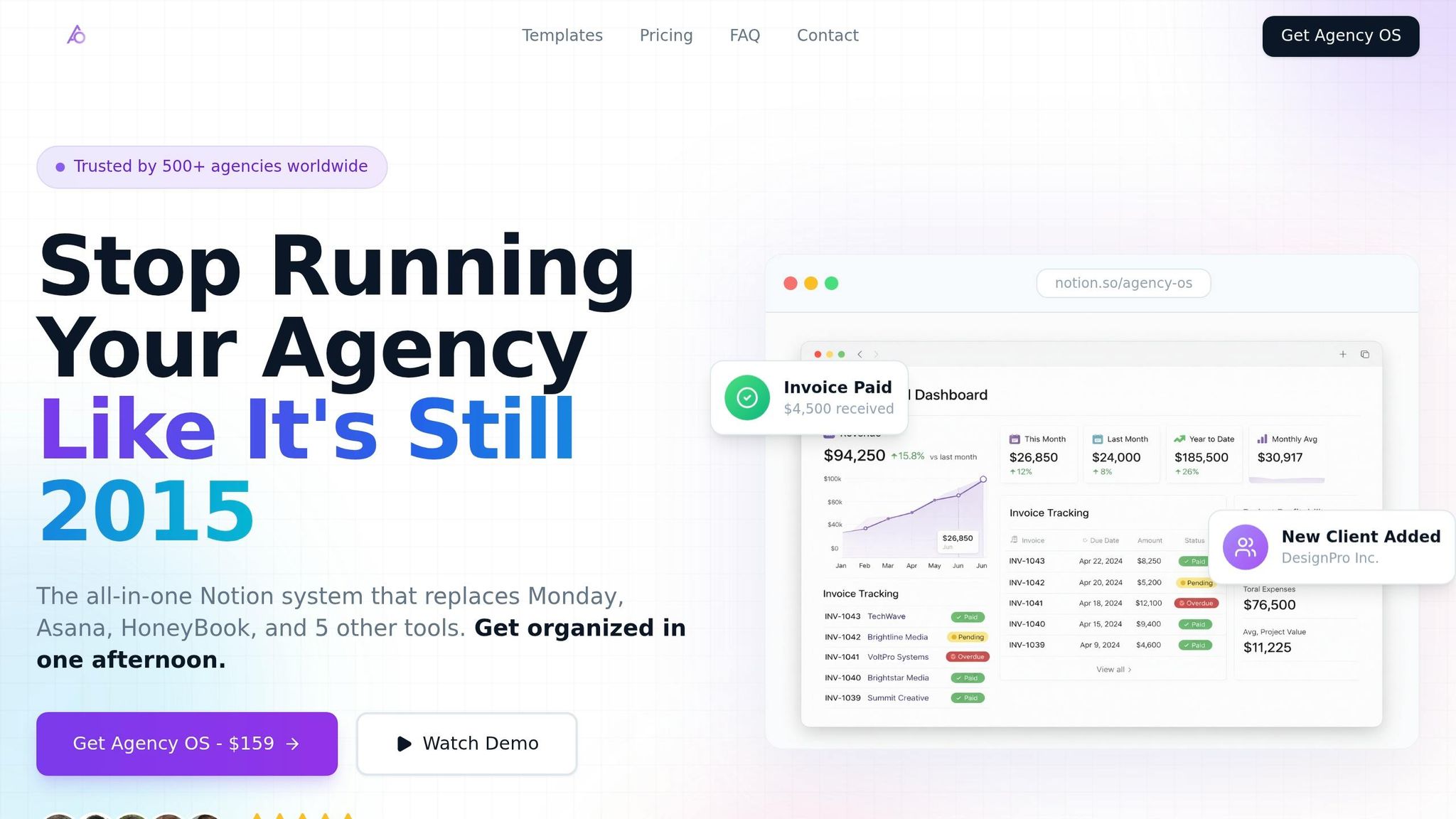
Agencies that adopt these integrated OS systems often replace multiple tools - like Monday, Asana, and HoneyBook - with a single Notion workspace. This not only reduces subscription costs but also eliminates the inefficiency of constantly switching between platforms. These distinctions make it clear why an all-in-one solution is worth exploring, as we’ll discuss in the next steps.
How OS Dashboard HQ's Agency and Marketing OS Dashboards Help
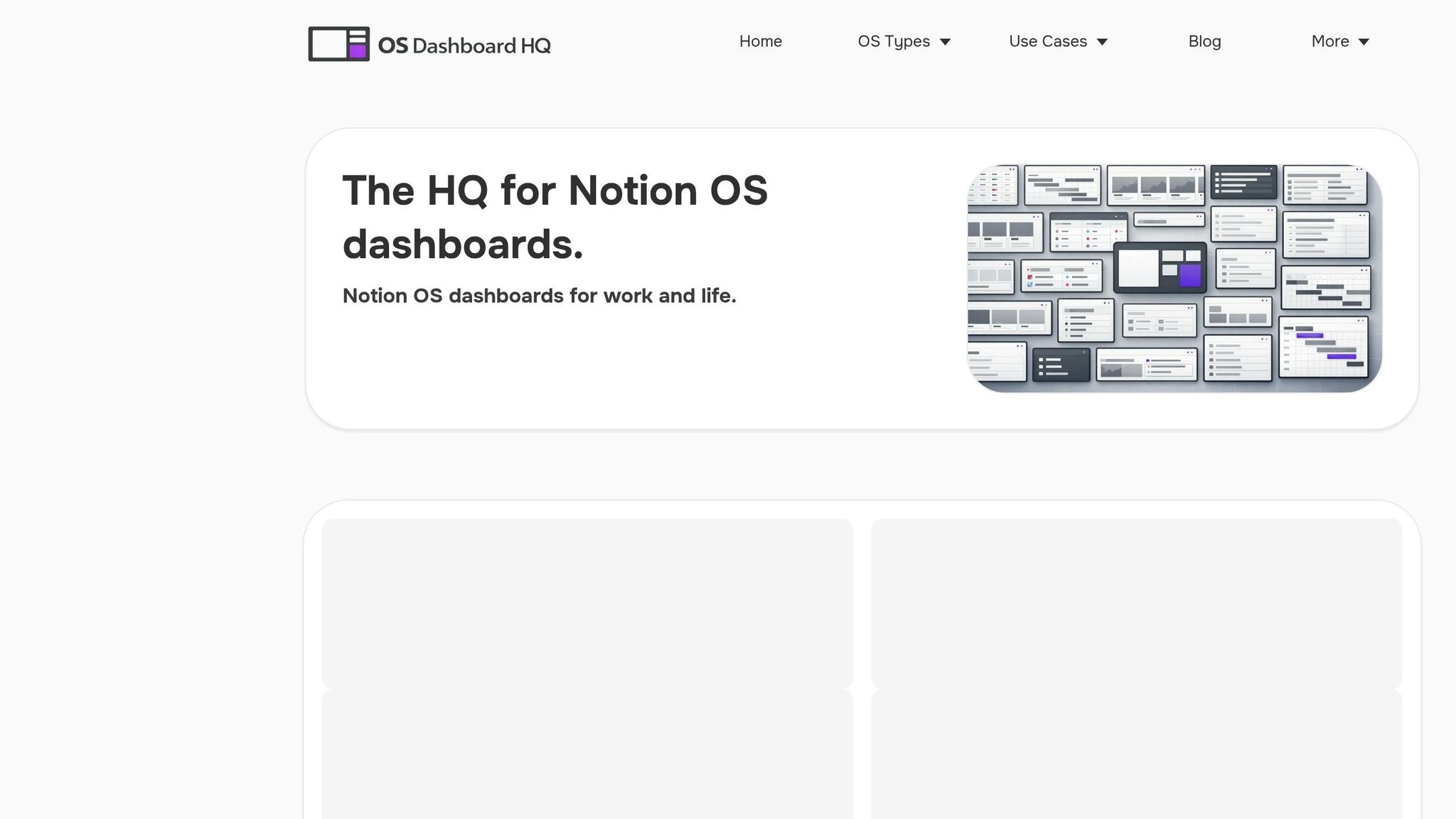
OS Dashboard HQ offers a curated directory of Notion operating systems tailored for agencies, marketing teams, and creative professionals. These templates go beyond basic databases and dashboards, providing fully integrated systems that streamline how agencies manage campaigns, clients, and projects. For teams juggling multiple clients, these systems replace scattered tools with a cohesive structure, making operations more efficient and organized.
Agency OS Dashboards
The Agency OS dashboards category provides systems that centralize client and project management into one workspace. These templates combine CRM, project tracking, and marketing workflows, creating a unified hub for agency operations.
One standout is Agency OS, available through agency‑os.net. Trusted by over 500 agencies in 12 countries, it has helped users manage over $2 million in revenue. Key features include a "Client Command Center" that consolidates client information, projects, and communications into a single view. Additionally, shareable client portals enhance transparency and reduce the need for constant status updates. With multiple tiers available, this system scales to suit agencies of all sizes, from small teams to large enterprises.
Clients often praise the professionalism these dashboards bring. For smaller agencies, the integrated portals can create the impression of a larger, more established operation.
James Rodriguez of JR Web Development shared:
I finally know which projects are actually profitable. The financial dashboard has completely changed how I price my services.
Other options for agency workflows include the Small Business OS Template Kit, the Freelance Business OS System for boutique agencies, and the Productive CEO Operating System for founder-led teams. For agencies focused on ecommerce, the Ecommerce Business OS Workspace integrates campaign tracking with inventory and sales workflows.
Marketing Content OS Dashboards
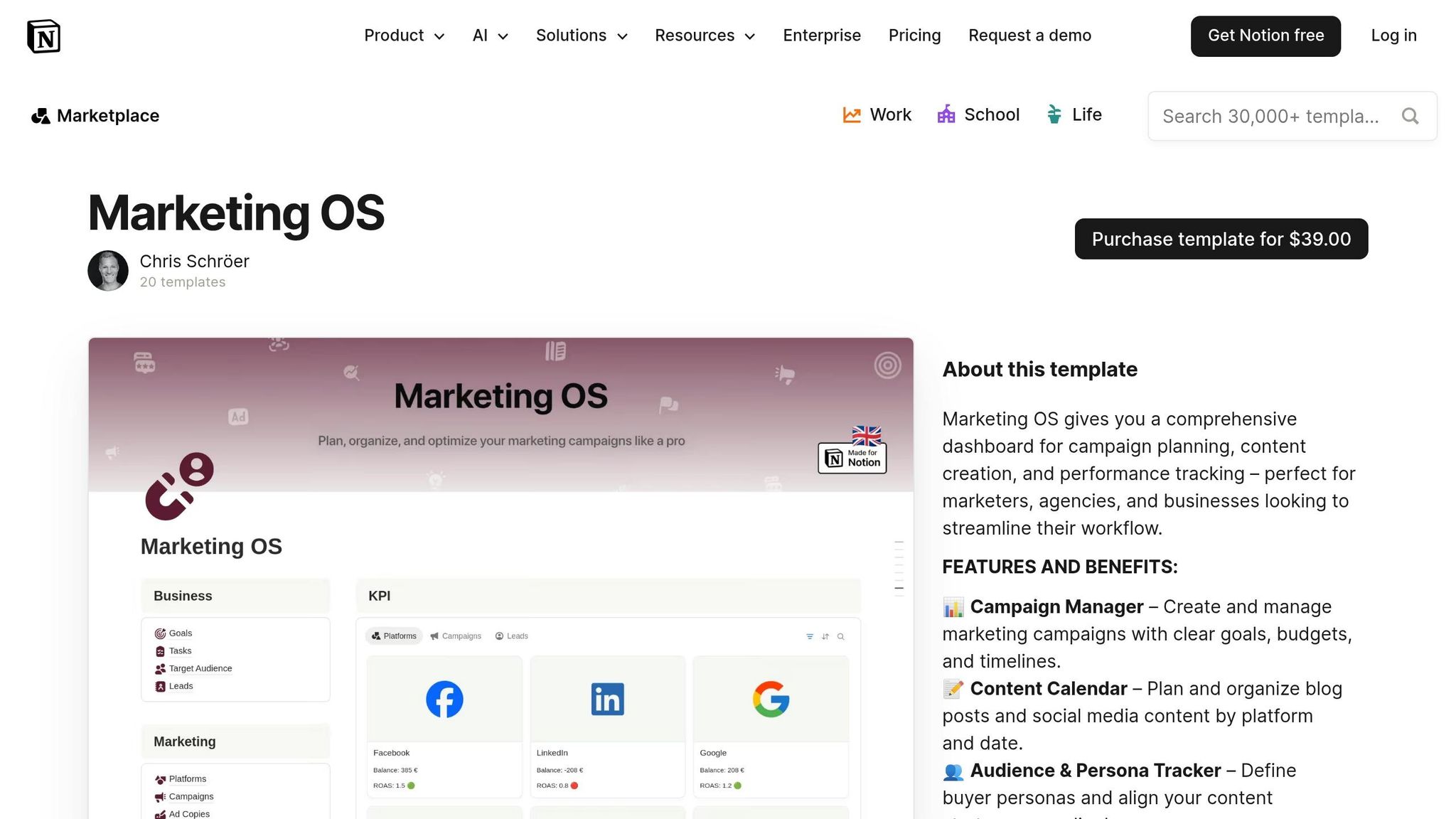
The Marketing Content OS category is designed for agencies managing content campaigns across multiple platforms. These dashboards include tools like multi-channel content calendars, creative asset management, and standardized creative briefs to keep teams aligned.
A popular choice is Marketing Agency OS by Harrison ($49), which helps agencies manage the entire client pipeline, from lead generation to active projects. It features a central dashboard for tracking client work and a content calendar for campaign planning. By using Notion's Relations and Rollups, the system links content pieces to campaigns and clients, enabling automatic progress tracking, such as calculating the percentage of a campaign's content that’s completed.
For agencies focused on specific platforms, the Multi‑Channel Content Planner offers tools to plan and visualize content across multiple platforms. Additional options include the Social Media Planning Kit for social campaigns and the Blogging OS with AI and SEO for content-driven strategies. Agencies managing both client work and their own content might also explore the Creator OS dashboards category.
Business OS Dashboards
For agencies needing more than just campaign tracking, the Business OS dashboards category integrates CRM, financial planning, and operational workflows into a single system. These templates include features like financial forecasting, legal document packs, and retainer management tools to handle the operational side of the business.
The Headquarters Toolkit offers an all-in-one solution for teams looking to centralize their operations. Agencies requiring specialized tools for CRM and sales can explore the Finance & CRM OS category or the Sales Pipeline CRM Dashboard, which connects lead management directly to project delivery. For fast-paced teams, the Startup OS dashboards category provides lightweight systems that prioritize speed and adaptability.
These dashboards transform fragmented tools into a streamlined workspace, combining campaign tracking, creative workflows, and financial insights to support every aspect of agency operations.
Next Steps: Pick a Notion Dashboard Stack for Your Agency Campaigns
Now that we've covered how streamlined Notion dashboards can transform campaign tracking, it's time to choose one that fits your agency's specific needs.
Notion dashboards have become a go-to for agencies looking to manage campaigns, connect databases, and handle client work - all in one centralized workspace. The next step is finding a system that aligns with your team's workflow and scale.
Start with an Agency OS or Marketing Content OS
If your agency struggles with client communication or profitability, an Agency OS dashboard could be the solution. These systems bring together CRM, project tracking, and financial dashboards in one place. Whether you're a solo freelancer or running a large agency, you can find a version that matches your scale. Sarah Chen, founder of Chen Design Studio, shared her experience:
Agency OS saved my sanity. I went from 5 different apps to one Notion workspace. Clients actually comment on how professional our process is now.
For agencies focused on content production and campaign alignment, the Marketing Content OS might be a better fit. The Marketing Agency OS ($49) offers tools like content calendars, campaign briefs, and channel-specific tracking without the added complexity of managing full business operations. If you're juggling both client work and internal content, check out the Creator OS dashboards category for hybrid systems designed to handle both.
Most premium templates are a one-time purchase and come with video walkthroughs to simplify onboarding. Many also include a money-back guarantee, allowing you to test the workflow with one campaign before fully committing.
Now, decide whether you need a dashboard focused on client communication or one designed for content coordination.
Explore More Dashboards on OS Dashboard HQ
OS Dashboard HQ is your go-to resource for curated Notion operating systems tailored to agencies, marketing teams, and creatives. You can browse by role (agency owner, account manager, creative team), use case (campaign tracking, client delivery, content publishing), or OS type (Agency OS, Business OS, Marketing Content OS) to find the perfect match.
If your agency needs a broader operational system, explore the Business OS dashboards category, which combines CRM, financial planning, and project management tools. For fast-moving teams, the Startup OS dashboards category offers lightweight, flexible setups. If you’re looking for CRM and sales pipeline tools alongside campaign tracking, take a look at the Finance & CRM OS category or the specialized Sales Pipeline CRM Dashboard.
Once you’ve chosen a template, duplicate it into your workspace and test it with one campaign. You’ll quickly see if the structured setup reduces operational headaches and fits your team’s workflow.
FAQs
How do I set up the 5 core Notion databases for campaigns?
To set up the 5 key Notion databases for campaign tracking, here’s how you can organize them:
- Campaigns database: Use this to store all the essential details of each campaign, such as the name, objectives, key dates, and current status, broken down by client.
- Clients/Brands database: Keep track of client-specific information like contact details and notes. This database should connect directly to the campaigns they’re associated with.
- Tasks/Deliverables database: Manage all campaign-related tasks, including deadlines, team responsibilities, and task progress. Link each task to its respective campaign for better tracking.
- Content/Assets database: Organize creative assets, drafts, and approvals. Tie these directly to their relevant campaigns to streamline workflows.
- Results/Metrics database: Log campaign performance metrics, KPIs, and any relevant notes here. Ensure this is connected to the campaigns database for a full performance overview.
By linking these databases through relations and rollups, you can create dynamic dashboards that provide client overviews, calendars, and deliverables tracking - all in one place.
What relations and rollups should I build first?
To build a connected system, start by linking your main databases. For example, connect the Clients database to Campaigns, then tie Campaigns to Tasks/Deliverables. Similarly, link Content/Assets and Results/Metrics to Campaigns. Use rollups to create summaries, such as tracking completed tasks for each campaign or compiling performance results. These relationships turn your setup into a dynamic tool, making it easier to monitor progress and performance in one place.
How can clients see updates without editing my workspace?
Clients can stay informed without altering your workspace by using shared dashboards or client-specific portals in Notion. These can be configured as read-only links to pages or filtered database views, offering real-time insights into campaign updates, progress, and results. This approach ensures clarity and control, as many agency templates come with pre-built client-facing pages that simplify communication and provide visibility - without the risk of unintended edits.