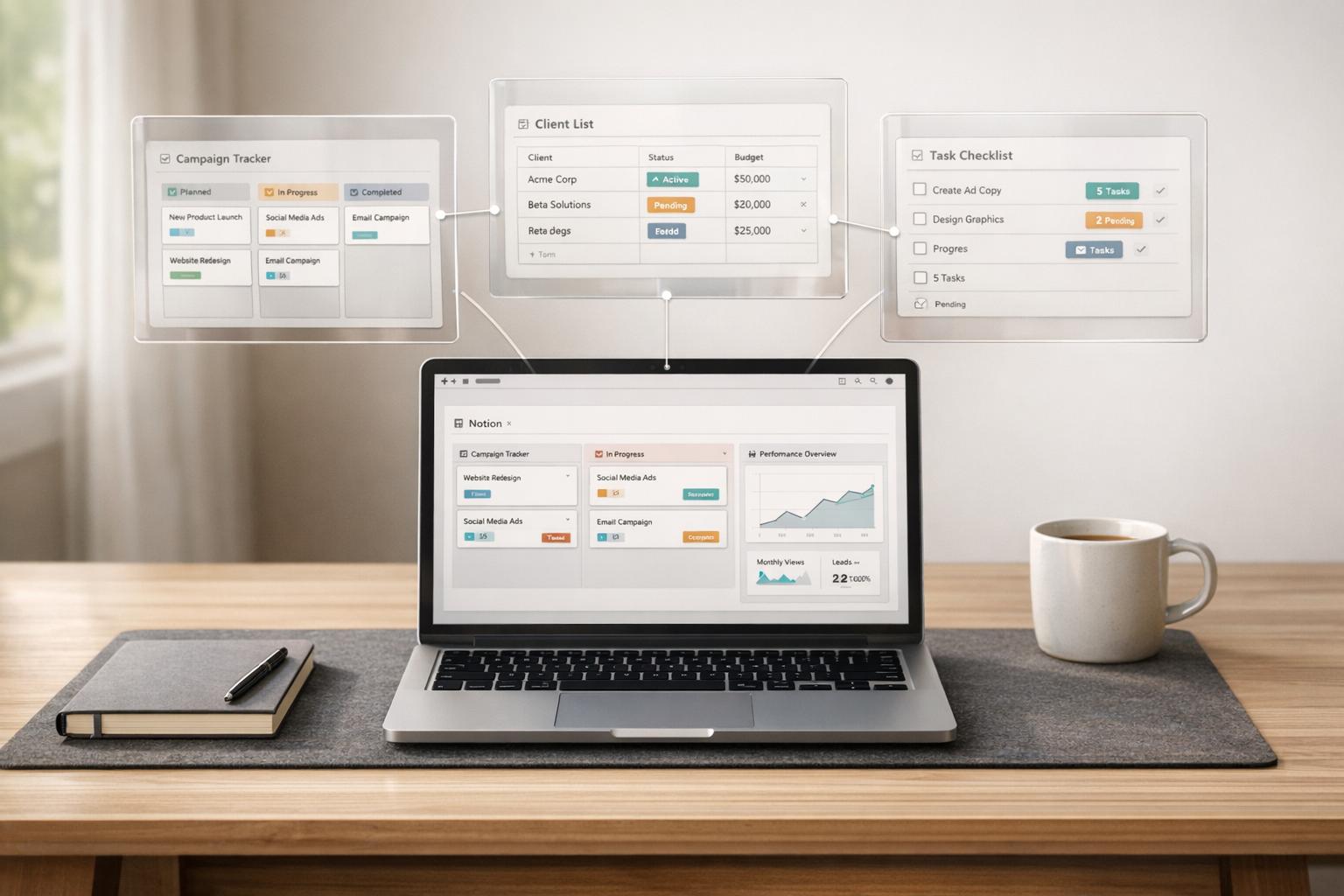
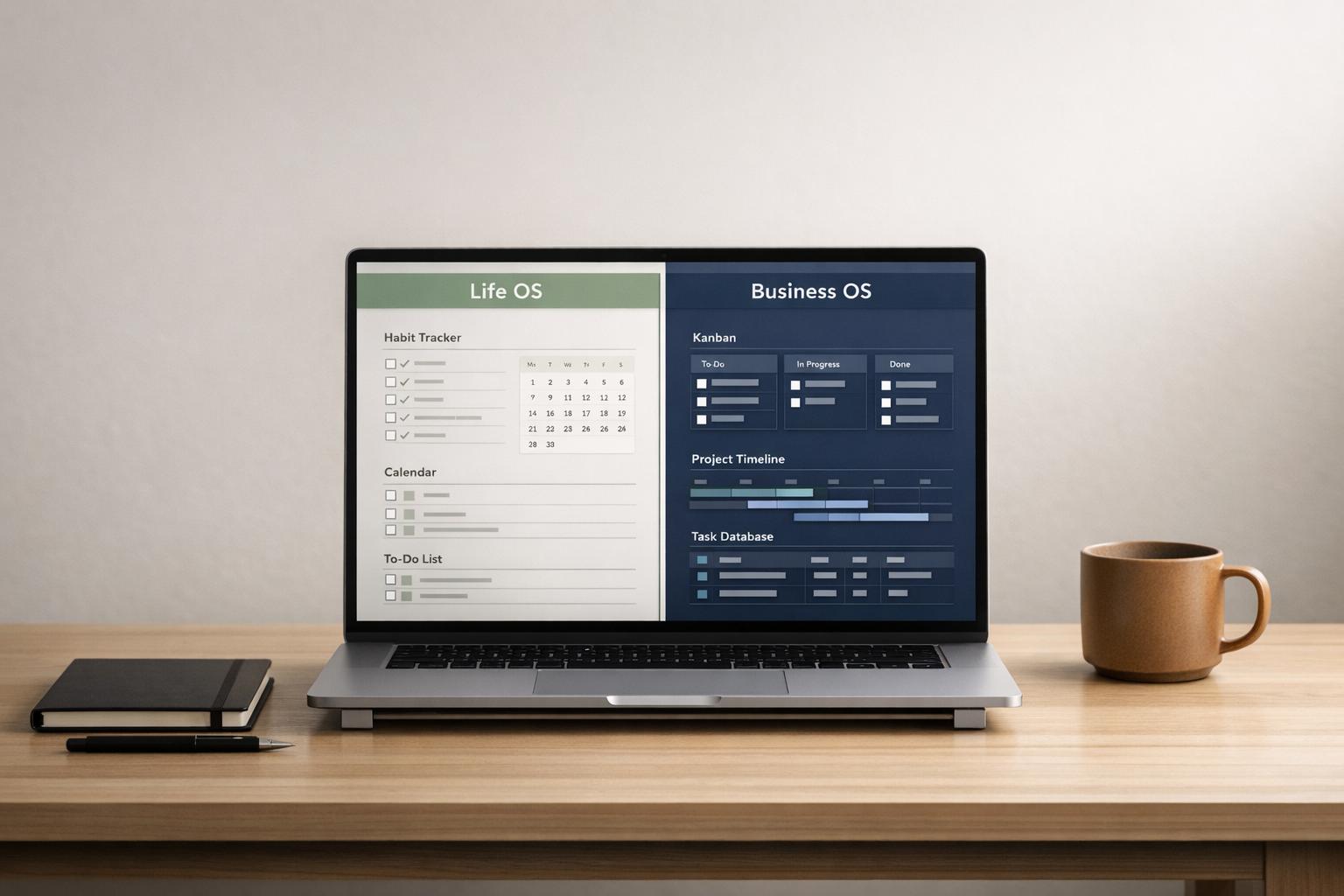
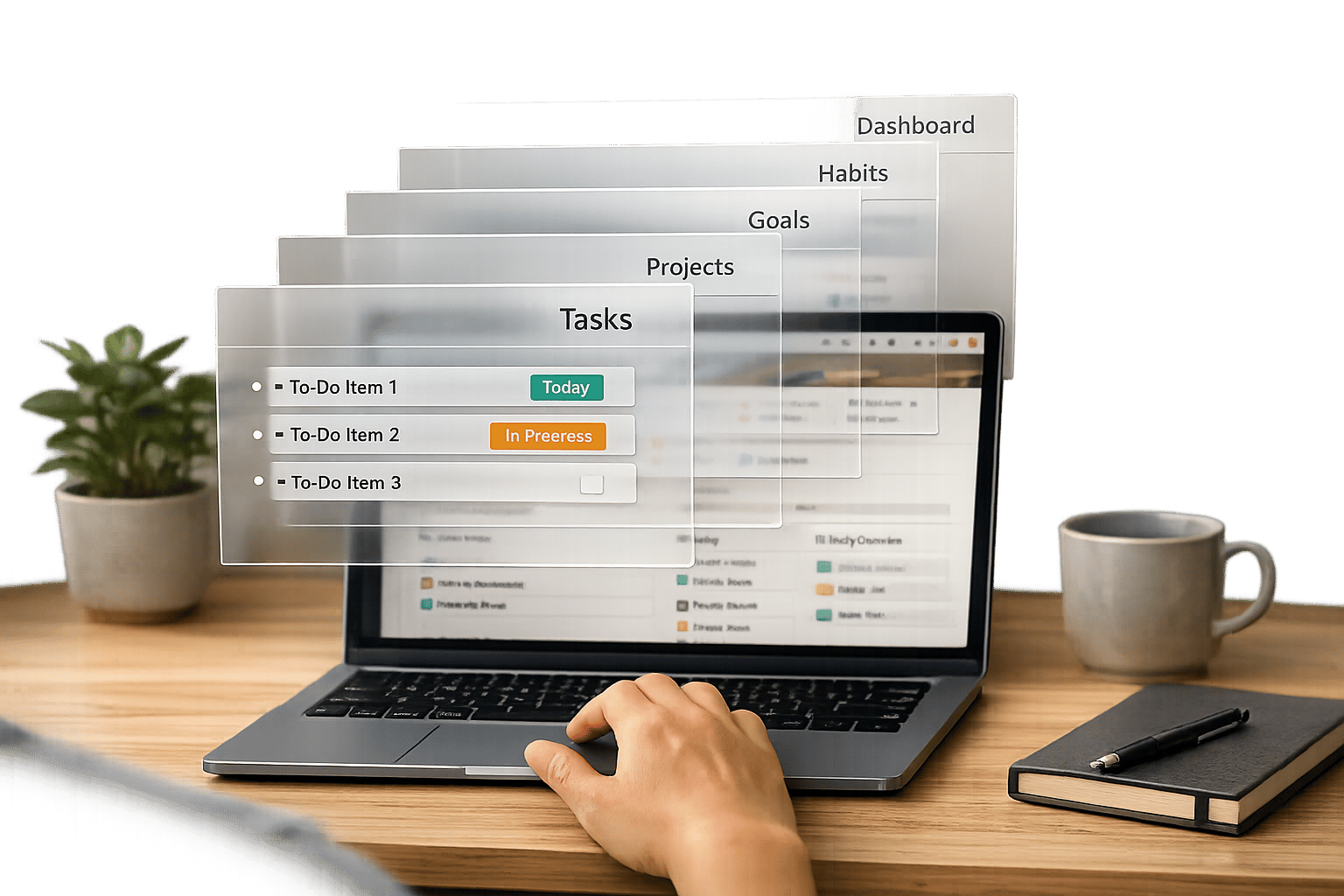
If you’re tired of rebuilding your Notion setup from scratch or struggling with scattered pages, it’s time to consider a Notion OS dashboard. These are more than templates - they’re complete, connected systems designed to organize your life, work, or creative projects. But should you start with a pre-built Notion OS dashboard or build your own from scratch?
Here’s the bottom line: pre-built OS dashboards save you time and effort, while custom builds offer ultimate control. Pre-built options like those from OS Dashboard HQ can be installed in seconds and are perfect for users who want to skip the complexity of designing systems. On the other hand, creating a custom Notion OS requires hours of work but allows you to tailor every detail to your workflow.
This article will compare the two approaches, covering setup time, flexibility, structure quality, learning curve, and cost. You’ll also learn why a hybrid approach - starting with a pre-built OS dashboard and modifying it to fit your needs - might be the smartest choice. Let’s dive in and find the right solution for you.
Pre-Built vs Custom Notion OS Dashboards: Complete Comparison Guide
How to Build a Notion Dashboard Without Feeling Overwhelm
sbb-itb-ced67d6
What We Mean by 'Pre-Built OS Dashboards' and 'Custom Build'
Let’s break down these two approaches to setting up a Notion workspace, so you can decide which fits your needs. They differ significantly in setup, effort, and customization.
Pre-Built OS Dashboards
A pre-built Notion OS dashboard is like moving into a furnished apartment. The essentials are already in place - you just tweak the details to make it your own. Roman Likhachev, Founder of Grizzly Templates, describes it well:
A Notion template is the furnished option - the layout is done, the furniture is placed, and you just need to rearrange things to fit your style.
These dashboards go far beyond basic templates. The top-tier ones function as Full Systems, offering pre-configured layouts, interconnected databases, and built-in workflows like PARA or GTD. They’re designed to save you from the overwhelm of starting from scratch.
OS Dashboard HQ simplifies the search for these systems by curating them based on roles (founder, freelancer, student, agency) and use cases (like client management, content creation, or habit tracking). Whether you’re looking for Life OS dashboards, Business OS dashboards, Creator OS dashboards, or Student OS dashboards, you’ll find polished solutions that eliminate the “blank page” struggle.
Custom Build
A custom-built Notion OS, on the other hand, is entirely your creation. Think of it as designing and building your own house. You’re in charge of every detail - choosing the structure, naming conventions, database properties, and how everything links together. Chris Wray, a Notion Consultant, sums it up:
The power of Notion doesn't come from templates - it comes from the ability to design a workspace that mirrors the way you think.
Creating a custom system is a time-intensive process, often requiring 10 to 20 hours of work, along with a solid understanding of advanced Notion features like rollups and formulas. It also involves ongoing maintenance to adapt to Notion updates or shifts in your workflow. The reward? A workspace perfectly tailored to your unique way of working.
These two options set the foundation for understanding the benefits and challenges of each approach. Whether you value speed and convenience or complete personalization, the choice depends on your priorities and resources.
Pros and Cons of Pre-Built Notion OS Dashboards
Pre-built Notion OS dashboards offer a ready-to-use structure that saves time, but they also come with certain limitations.
Key Comparison Factors
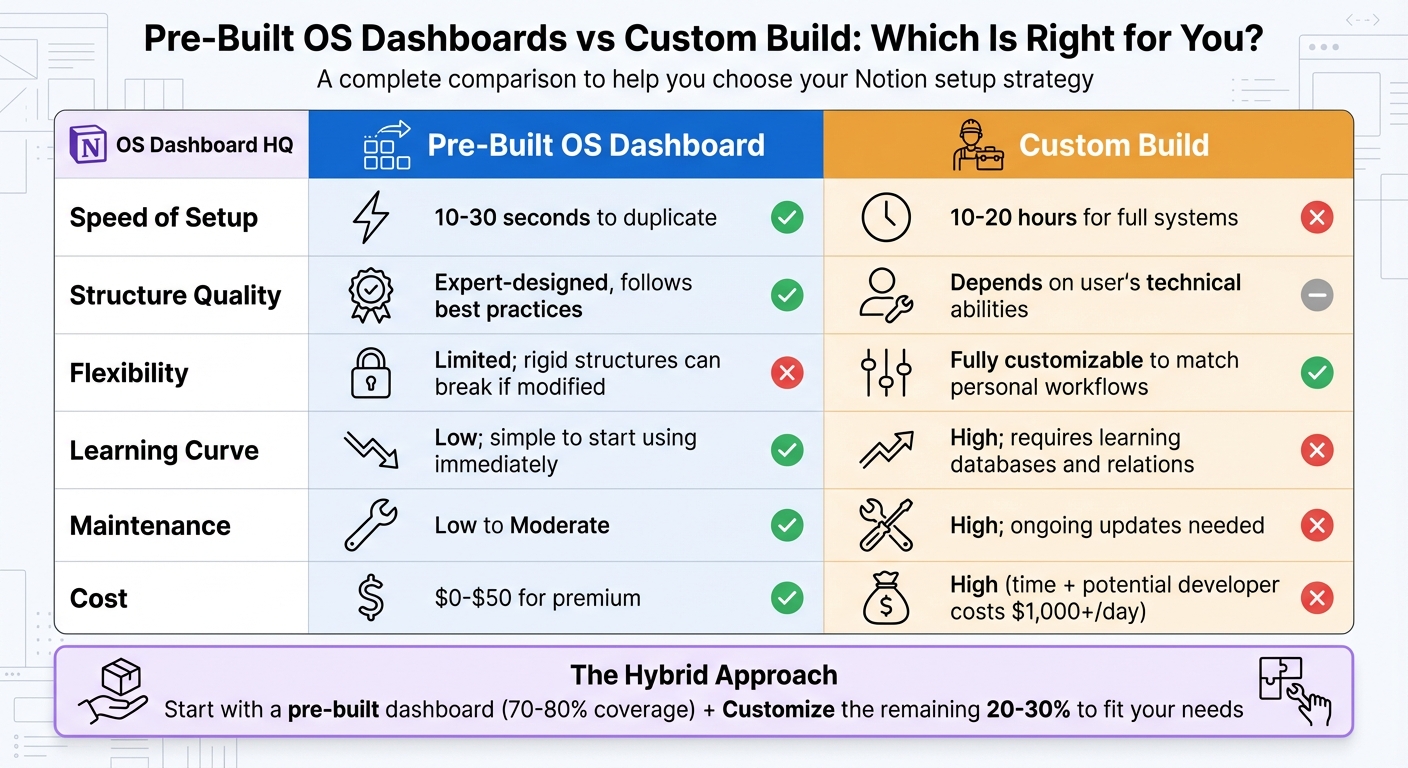
The table below outlines the main differences between using a pre-built OS dashboard from OS Dashboard HQ and creating your own system from scratch.
| Factor | Pre-Built OS Dashboard | Custom Build |
|---|---|---|
| Speed of Setup | 10–30 seconds to duplicate | 10–20 hours for full systems |
| Structure Quality | Expert-designed; follows best practices | Depends on user's technical abilities |
| Flexibility | Limited; rigid structures can "break" if modified | Fully customizable to match personal workflows |
| Learning Curve | Low; simple to start using immediately | High; requires learning databases and relations |
| Maintenance | Low to Moderate (depending on complexity) | High; ongoing updates needed |
| Cost | Low ($0–$50 for premium) | High (time and potential developer costs) |
Speed of setup is the most obvious advantage. Pre-built templates can be duplicated in seconds, while building a fully functional Notion operating system (OS) from scratch often takes 10 to 20 hours. Dashboards like the Productive CEO Operating System and the Freelance Business OS System allow users to dive straight into organizing tasks, projects, and clients without delays.
Structure quality is another key benefit. These templates are crafted with professional workflows in mind, incorporating advanced Notion features like interlinked databases and rollups that most users would struggle to replicate on their own. By spreading development costs across many users, these systems are available at a fraction of what it would cost to build them from scratch. However, they are not tailored to individual needs. As Chris Wray, a Notion Consultant, explains:
What starts as a productivity boost often turns into a productivity bottleneck. These templates are rarely designed with you in mind.
This means if your workflow doesn’t align with the template’s design - like preferring weekly sprints over long-term planning - you might find yourself working against the system rather than with it.
Flexibility is where pre-built dashboards fall short. While Notion technically allows full customization, heavily modifying a complex template often disrupts its functionality. Users attempting to adapt the system to their unique processes may end up duplicating databases or breaking formulas, leading to a disorganized and harder-to-maintain workspace. Roman Likhachev, Founder of Grizzly Templates, advises users to stick to about 60% of a pre-built template and remove the rest.
Maintenance and cost are generally easier to manage with pre-built templates. Premium options are typically priced between $5 and $50, making them affordable compared to the time investment required for custom builds. However, highly intricate systems that promise "complete" solutions can demand substantial upkeep. As Suzaan Sayed, a writer, notes:
Completeness is a trap... Every database needs updating. Every property needs filling. Every relation needs checking.
For those curious about exploring various OS types without committing to a single setup, bundles like the Premium Notion OS Bundle or the Productivity Templates Bundle offer a practical way to test multiple setups, spanning Life OS dashboards, Business OS dashboards, and Personal Productivity OS categories.
While pre-built dashboards provide a convenient starting point for many users, the next section will dive into the advantages and challenges of building a custom Notion system.
Pros and Cons of Building a Custom Notion OS
Building a custom Notion OS gives you full control over the system’s design, but it comes with a hefty price: time, effort, and technical expertise. Here’s a closer look at the trade-offs to help you decide if the effort matches your needs.
Key Trade-Offs
The table below breaks down the differences between creating your own system and opting for a pre-built OS dashboard:
| Factor | Custom Notion OS Build | Pre-Built OS Dashboard |
|---|---|---|
| Control & Flexibility | Full control; aligns perfectly with your mental models | Limited; reflects the creator’s workflow |
| Time Investment | Significant (2–20+ hours or more) | Minimal (ready to use in seconds) |
| Maintenance | High; you handle all updates and fixes | Low; creators often handle updates |
| Learning Curve | Steep; requires advanced Notion skills | Low; designed for immediate use |
| Scalability | High; can grow with your needs | Moderate; heavy customization may cause issues |
| Cost | High (time and potential developer fees) | Low ($0–$50 for premium templates) |
Control and flexibility are the biggest advantages of custom builds. As Notion Consultant Chris Wray points out:
The power of Notion doesn't come from templates - it comes from the ability to design a workspace that mirrors the way you think.
Custom systems let you create workflows that align with your unique processes, avoiding the constraints of pre-built templates. This is particularly valuable for businesses with proprietary workflows or specific data needs that generic systems can’t accommodate.
The time commitment, however, is no small matter. Expert creators estimate that designing a robust system from scratch can take anywhere from 10 to 20 hours - or more. If you’re hiring a professional, this could cost upwards of $1,000 per day. Roman Likhachev, Founder of Grizzly Templates, explains:
These [Full System Templates] take the longest to set up from scratch - usually 10-20 hours of work for a well-designed system. That's the main value proposition of premium templates: you're paying to skip those hours.
Maintenance is another ongoing challenge. With a custom build, you’re responsible for keeping it updated as your workflows evolve or as Notion introduces new features. Unlike pre-built dashboards - where creators often handle updates and improvements - custom systems require consistent upkeep. For example, Geckoboard reports spending over 250,000 hours across 15 years maintaining data integrations.
The learning curve can feel overwhelming. Building a system from scratch means diving deep into Notion’s advanced tools, like relations, rollups, and formulas. While this can be a rewarding learning experience, it’s also intimidating for many users. The "blank page" problem is real - some abandon their builds because the complexity becomes too much. On the flip side, those with the skills and patience to design their own system can avoid the clutter and inefficiencies often found in heavily modified pre-built templates.
Custom builds are ideal for users with both the technical know-how and the commitment to handle ongoing updates. For everyone else, pre-built OS dashboards may offer a more practical solution - something we’ll explore in the next section.
When Pre-Built OS Dashboards Are Usually the Better Choice
Pre-built Notion OS dashboards shine when you need quick organization and reliable workflows more than complete customization.
Roman Likhachev, Founder of Grizzly Templates, explains it well:
Templates are a time trade, not a skill crutch. A senior developer buying a project management template isn't doing it because they can't build one - they're doing it because they'd rather spend those 5 hours shipping code
. Building a custom system can take 10–20 hours, but a template installs in seconds, making it a time-saving investment.
These dashboards also solve the "blank page" problem. For new or intermediate Notion users, the platform's flexibility can feel overwhelming - too many choices and no clear direction. With OS Dashboard HQ's curated directory, you can skip the guesswork and start with a ready-to-use system. Templates provide a functional structure right away, allowing you to learn by doing instead of staring at empty databases. Experts suggest working with templates for at least three months to grasp what's possible in Notion before diving into a custom setup.
Who Benefits Most
Some roles and situations are especially well-suited for pre-built dashboards. Founders and startup teams, for instance, often need quick access to OKRs, team updates, and metrics without the hassle of building a system from scratch. Dashboards like the Productive CEO Operating System and the Small Business OS Template Kit bring everything into one streamlined workspace.
Freelancers and solopreneurs also benefit greatly. Tools like the Freelance Business OS System help manage clients, invoices, and project timelines without requiring advanced Notion skills. Similarly, students handling packed schedules can rely on Student OS dashboards to organize assignments, exams, and GPA tracking - tasks that would take hours to set up manually.
Content creators, juggling platforms like YouTube, newsletters, and social media, can turn to Creator OS dashboards. These systems integrate content calendars, idea trackers, and publishing schedules into a single workflow. Even niche professionals - real estate agents monitoring listings, HR managers overseeing onboarding, or coaches managing client sessions - can find pre-built dashboards tailored to their needs.
If your priority is to hit the ground running rather than spend time designing, a pre-built OS dashboard from OS Dashboard HQ can get you up and running in minutes. While these systems are ideal for busy individuals and teams, there are times when a custom build makes more sense - stay tuned for the next section.
When a Custom Notion OS Build Makes Sense
Pre-built dashboards work for most situations, but sometimes, a custom approach is the only way to meet specific needs. If your workflow doesn't align with standard templates, or if strict regulations are involved, customization becomes essential. This is especially true in fields like finance or healthcare, where compliance demands features like audit trails, data archiving, and other safeguards that generic templates simply can't deliver.
Custom builds also shine when your dashboard serves a public or client-facing role. Whether it's embedded in a product or designed as a branded experience for clients, having full control over design and functionality becomes a priority. For instance, engineering teams often dedicate significant time - up to 250,000 hours over 15 years - to managing API integrations and adapting data schemas. While this level of commitment is substantial, it makes sense when the dashboard is a key part of your competitive edge.
Another advantage of custom builds is simplicity. Pre-built OS dashboards can sometimes feel overwhelming, packed with features and databases you may never use. This "feature overload" can lead to what some refer to as "template guilt", where unused elements clutter your workspace and weigh on your mind. Productivity expert Suzaan Sayed puts it succinctly:
Complexity doesn't make systems better. It makes them harder to maintain. And systems you don't maintain are just digital clutter taking up mental space.
If all you need is something straightforward, like a reading tracker or a simple task manager, building it yourself in just a few hours can save you the hassle of stripping down an overly complex template.
Edge Cases for Custom Builds
Certain scenarios and user profiles highlight when a custom build is the better option. Notion enthusiasts who enjoy crafting their own systems often lean toward custom builds. If your workflow experiments with unconventional methods - like managing tasks based on energy levels or using AI for self-research - you might find that rigid templates can't keep up.
Custom builds are also ideal for workflows requiring deep integrations. For example, if you need seamless connections to tools like Pipedrive or proprietary datasets, pre-built templates may not offer the flexibility or architecture to handle these needs effectively. Additionally, if you find yourself constantly fixing or adapting a template instead of getting work done, it's a clear sign that a custom build would serve you better.
However, it's important to consider the time and effort required for maintenance. Custom systems demand regular updates, especially as Notion introduces new features or APIs evolve. Be sure to weigh this factor before committing to a fully custom setup.
These considerations can help you determine when a custom Notion OS build is worth the investment over a pre-built dashboard.
The Hybrid Path: Start from an OS Dashboard, Then Customize
The hybrid approach offers a balance between quick setup and personal adjustments. By installing a pre-built Notion OS dashboard, you can hit the ground running in seconds. Use it as-is for a couple of weeks to get a feel for its structure, and then tweak only the parts that don’t align with your needs. With the help of OS Dashboard HQ's curated directory of professional Notion OS dashboards, you get a strong starting point and the flexibility to refine your system over time. This method blends immediate functionality with the freedom to adapt, giving you a practical foundation that grows with you.
A pre-built OS dashboard comes with a complete setup - databases, relations, and filters are ready to go - so you can start managing tasks and projects right away. As you use it daily, you’ll naturally discover which features work for you and which ones don’t. Think of it like moving into a fully furnished apartment: everything you need is already there, but you can rearrange or swap items to suit your style. For instance, if you start with a Life OS dashboard that includes habit tracking, goal planning, and a daily overview, you might decide to replace a reading tracker you don’t use with a finance log that’s more relevant. Instead of overhauling the entire system, you can simplify unused sections, like collapsing the reading tracker into toggles, and add new features, such as an expense database linked to your monthly goals.
Benefits of the Hybrid Approach
This method not only saves time but also helps you learn how to use Notion’s advanced features by working within a structured system. A hybrid approach gives you the efficiency of a pre-built dashboard - covering about 70–80% of your needs - while leaving room to personalize the remaining 20–30%. It spares you the 2 to 20 hours you’d otherwise spend building a comparable system from scratch and avoids the risk of creating an overly complicated workflow.
Starting with a polished OS also provides a hands-on way to understand advanced Notion tools. For example, using a Business OS dashboard that links clients to projects through relations and rollups teaches you how these interconnected systems work - without requiring you to design them yourself. When it’s time to customize, you’ll be making informed adjustments to an already functional structure, instead of experimenting and risking broken formulas. To get the most out of this approach, follow the two-week rule: hold off on major changes until you’ve fully grasped the creator’s logic and identified real pain points in your workflow. This method aligns perfectly with our guide on deciding between pre-built and custom solutions.
How OS Dashboard HQ Helps You Choose the Right Starting Point
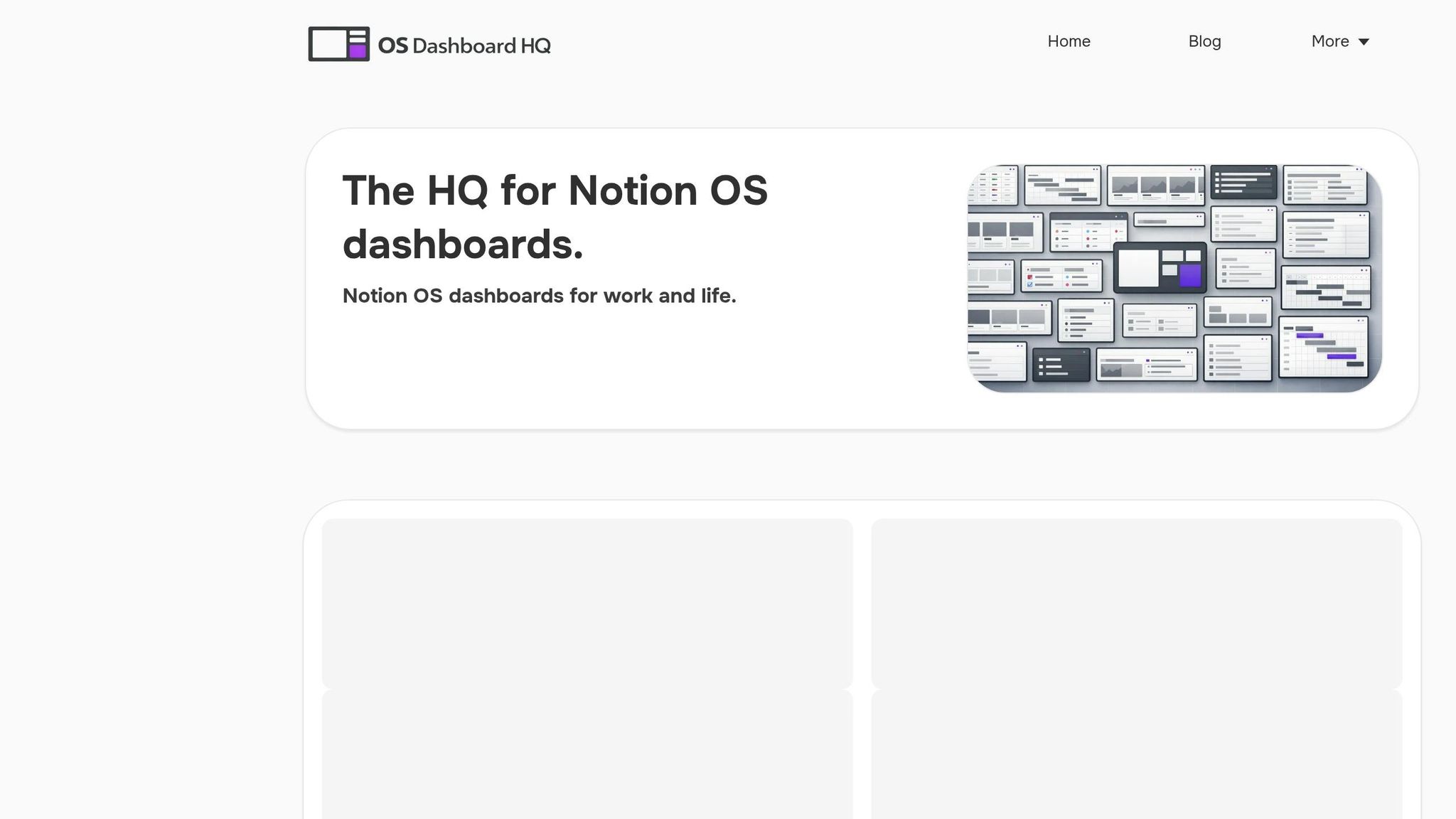
OS Dashboard HQ eliminates the frustration of starting from scratch by offering a curated directory of Notion operating systems (OS). Instead of sifting through endless unverified templates or trying to design a system yourself, you can browse dashboards tailored to specific roles, use cases, and OS types. This makes it easier to find frameworks that align with your workflow. By focusing on quality and organization, OS Dashboard HQ saves you time and ensures you’re working with systems designed to perform well.
Curated Directory Benefits
The directory is carefully structured to make searching simple. Dashboards are grouped into categories like Life OS for personal management, Business OS for team operations, and Creator OS for content workflows. Each listing provides a clear breakdown of included features - databases, dashboards, and workflows - so you know exactly what to expect before you install. For instance, the Productive CEO Operating System is tailored for founders managing clients, projects, and strategic goals, while the Life OS Dashboard for Everyday Systems focuses on habit tracking, goal setting, and daily routines. This careful vetting process ensures you’re getting reliable, well-documented systems.
Browse by Role and Use Case
OS Dashboard HQ also allows you to narrow your search based on specific workflows like academic planning, CRM, or project management. If you’re a freelancer juggling multiple clients, the Freelance Business OS System offers a ready-made framework for tracking deliverables and invoices. Content creators can explore options in the Creator OS dashboards section, while those focused on personal productivity might prefer the Personal Productivity OS or Starter OS dashboards. For users looking to cover multiple needs at once, bundles like the Premium Notion OS Bundle or Productivity Templates Bundle provide comprehensive starting points for life, business, and productivity. With these role-specific options, you can install a dashboard in seconds and start using it right away, skipping the lengthy process of designing databases and relationships from scratch. This approach highlights OS Dashboard HQ as the go-to resource for professional Notion OS dashboards.
Conclusion
Deciding between a pre-built Notion OS dashboard and a custom build comes down to time, complexity, and your comfort level with designing systems. Pre-built OS dashboards from OS Dashboard HQ provide ready-made structures based on industry best practices. They allow you to get a functional system up and running in seconds, avoiding the 10 to 20 hours it often takes to create one from scratch. On the other hand, custom builds give you complete control to tailor every detail to your workflow, but they come with a hefty price tag - custom development can exceed $1,000 per day.
For most users, a hybrid approach strikes the right balance. Start with a template that meets about 70–80% of your needs, use it for a couple of weeks to identify gaps, and then fine-tune the remaining 20–30%. This strategy offers a strong foundation without the overwhelm of starting from scratch, letting you focus on adapting the system to your specific workflow instead of building databases and connections from the ground up. As Roman Likhachev, Founder of Grizzly Templates, puts it, templates give you a "furnished starting point" where you only need to adjust things to match your style.
This method not only saves time but also makes your workflow more flexible. If you're ready to explore structured Notion OS dashboards, check out OS Dashboard HQ. From Life OS dashboards for personal routines to Business OS dashboards for managing clients and projects, each option comes with clear details about included databases, dashboards, and workflows. You can pick a system that works for you from day one and refine it as your needs evolve.
FAQs
How do I pick the right OS Dashboard HQ template for my role?
To pick the right OS Dashboard HQ template, begin by clarifying your main role or workflow needs - whether you're a student, freelancer, or entrepreneur. Explore categories such as Life OS or Business OS to discover dashboards designed specifically for your goals. By starting with a curated template, you avoid the pitfalls of disorganized setups while gaining a solid framework that you can personalize over time to fit your unique style and needs.
What can I safely customize without breaking a Notion OS dashboard?
You have plenty of freedom to adjust things like page layouts, block placements, database views, and visual details (like colors and icons) to better match how you work. However, it’s best to steer clear of modifying core database structures, relationships, or critical templates - these changes can lead to broken functionality or even data loss. Stick to visual adjustments, adding your own content, and rearranging pages to make the workspace feel like yours while keeping its essential framework intact.
When should I rebuild from scratch instead of using a template?
If your workflow or goals are so specific that pre-built Notion OS dashboards fall short, starting from scratch might be the way to go. Templates can sometimes feel restrictive, leading to inefficiencies or failing to keep up as your needs evolve. Building your own system gives you the freedom to design something that fits your exact requirements. This option is ideal for power users or anyone managing intricate, specialized processes that demand complete control over their setup.